Step 1
Share it to GoList
Tap Share on any TikTok, Instagram post or Google Maps place and pick GoList. You can paste a link too.
NewFree on iPhone
Share a TikTok, Reel or Google Maps link to GoList. It finds the place, pins it to your map, and fills in everything you need to actually go.
How it works
No more screenshots, no more scrolling back through your saves. Send the post to GoList and keep watching.
Step 1
Tap Share on any TikTok, Instagram post or Google Maps place and pick GoList. You can paste a link too.
Step 2
It reads the post and finds every spot in it, even a reel with 30 places. If it isn't sure, it asks you before pinning.
Step 3
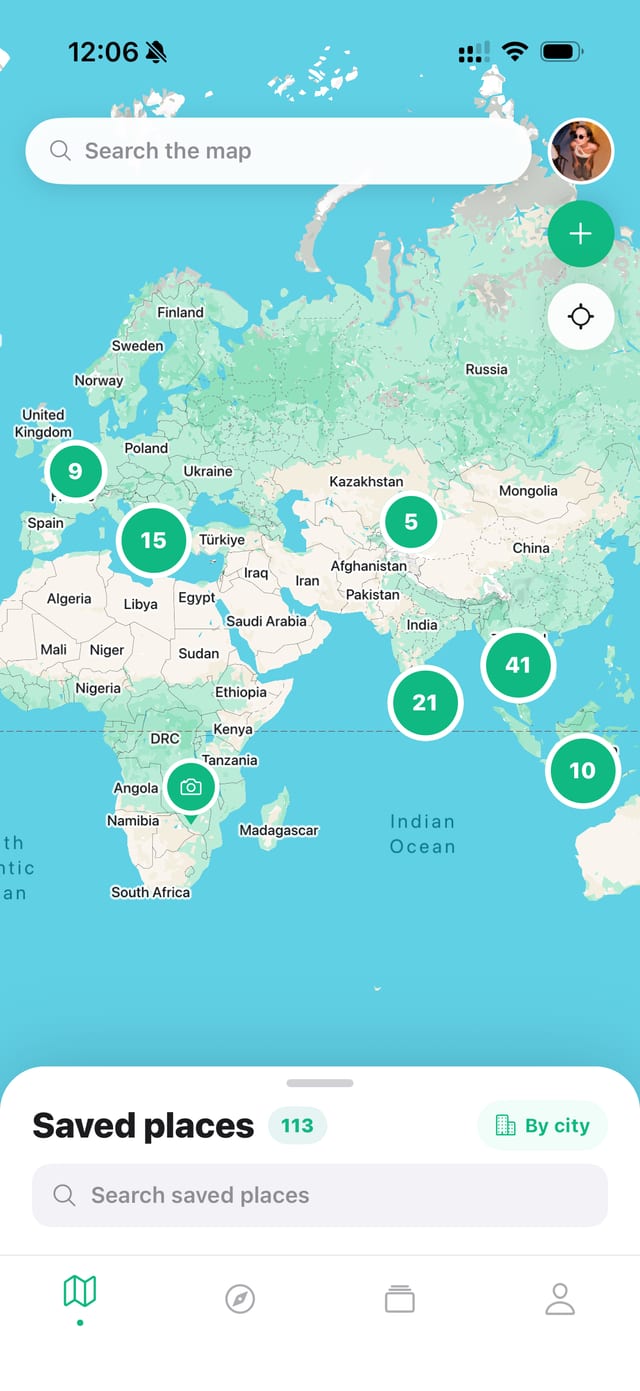
Each pin comes with photos, rating, opening hours, highlights and one-tap directions. Ready when you land.
Your map
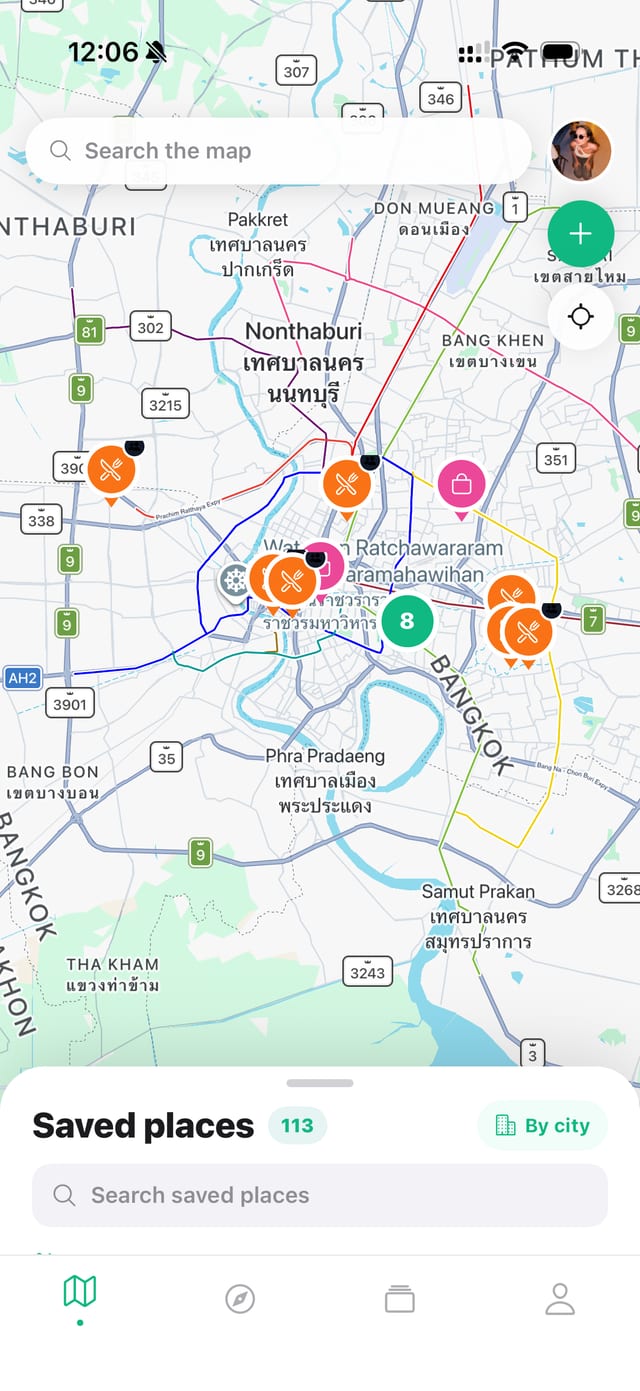
Zoom out to see the world. Zoom in on a city and see what's around the corner. Your saves finally live where they make sense: on a map.
Place details
A 15 second clip doesn't tell you the address or whether it's open on Mondays. GoList fills in the rest, so you can touch down knowing where to eat.
GoLists
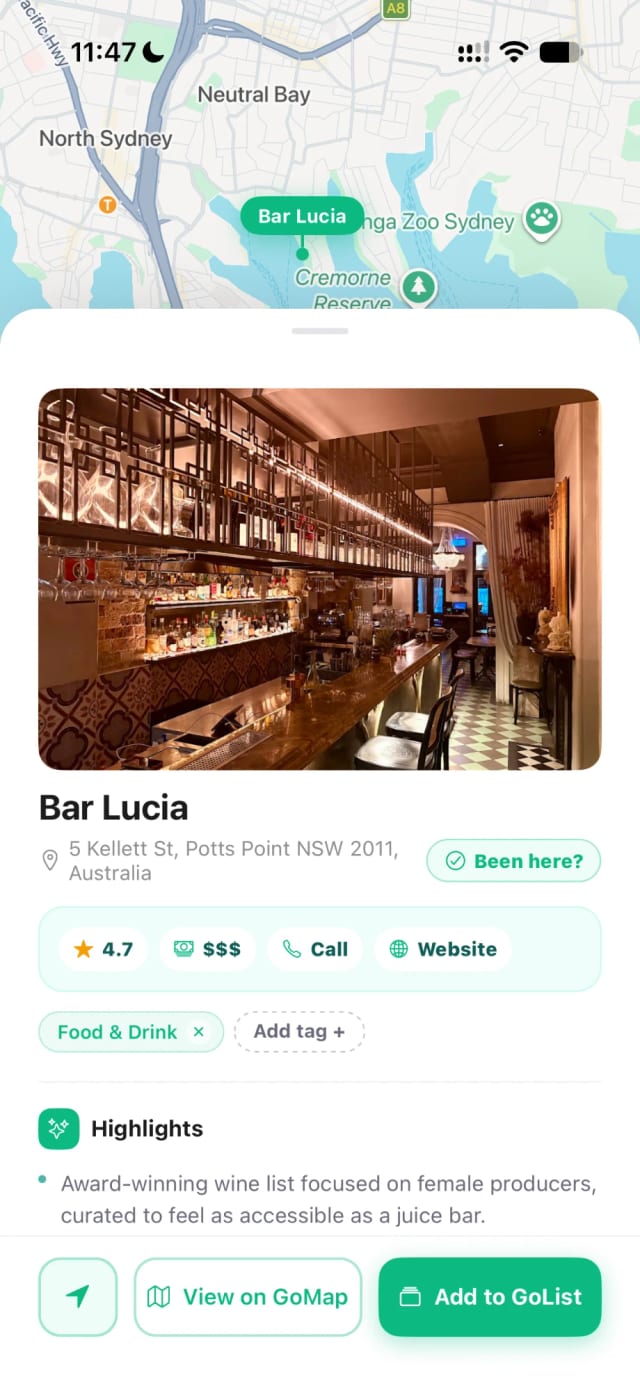
Make a GoList for Tokyo, for date nights, or for that beach trip you keep talking about. Add a cover photo and tag each pin so it's easy to find later.
Trips
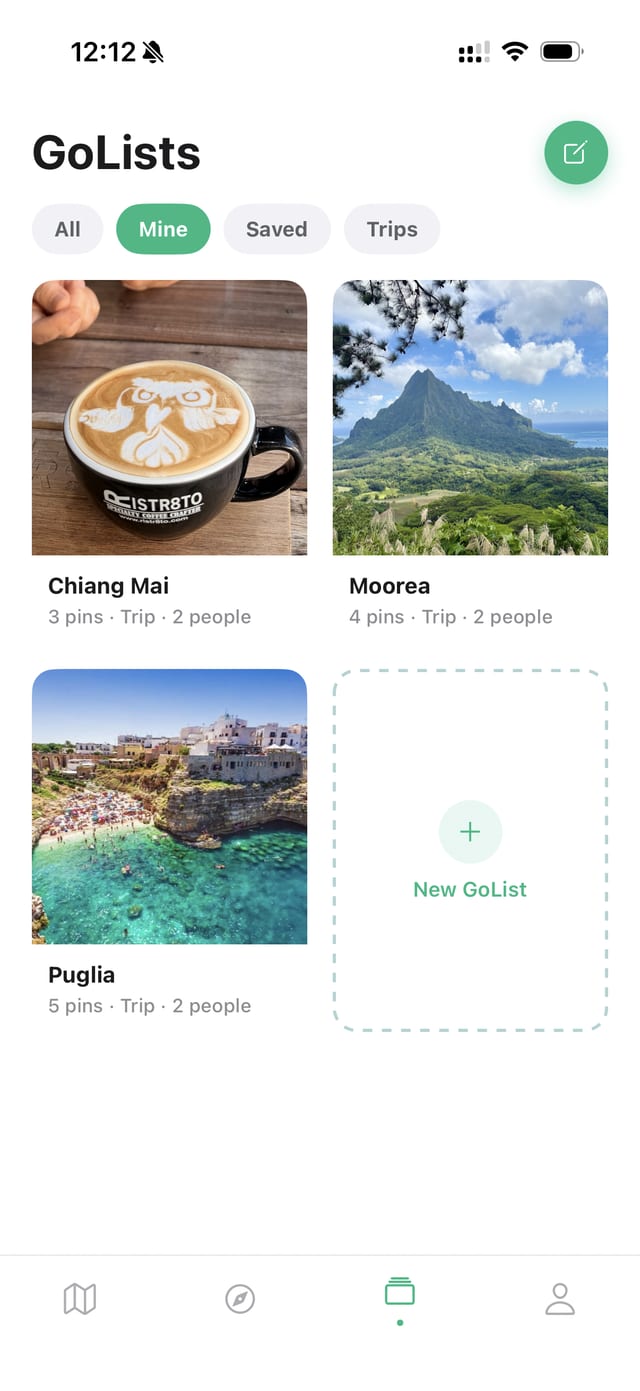
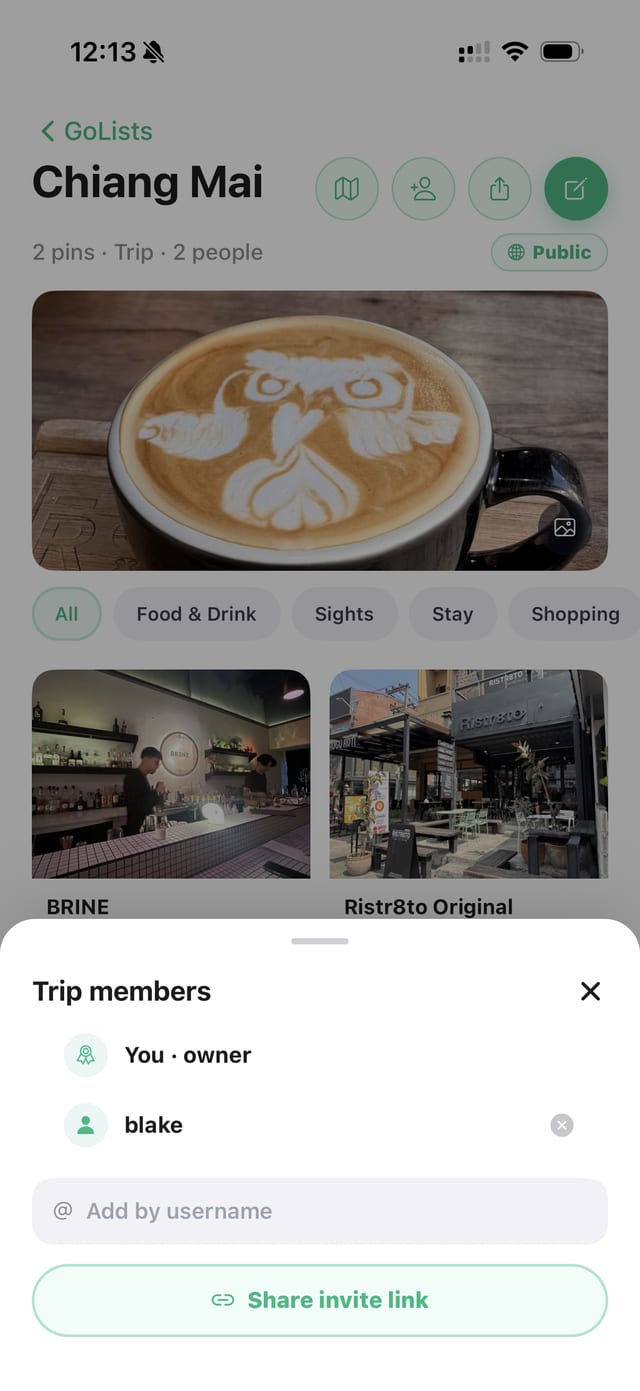
Turn any GoList into a shared trip. Everyone drops their finds on the same map, and you can see who added what. No more group chat archaeology.
Sharing
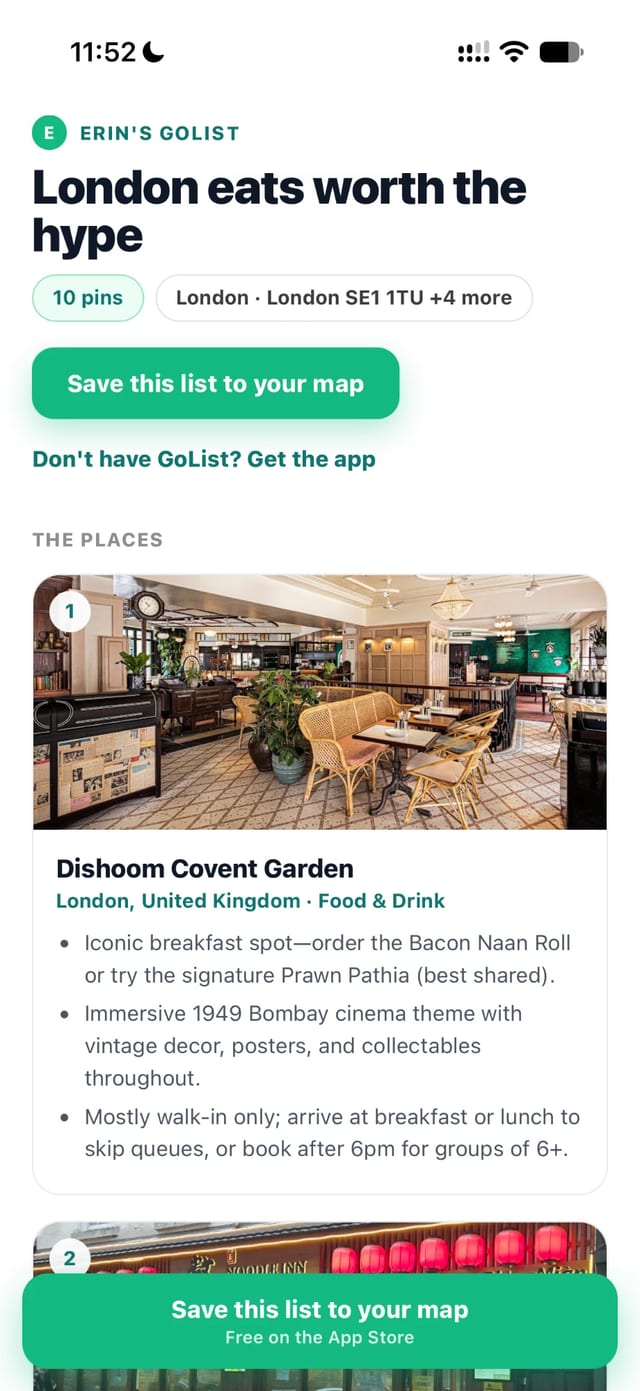
Friend heading to London? Make your list public and send the link. They see your map and picks right in their browser, and can save the whole list to their own GoList.
Hand-picked GoLists to kick-start your map. Save a whole city guide in one tap.
Tick off places you've been and watch the countries you've visited fill in on your profile.
"30 cafes in Lisbon"? GoList pins every one it finds in a single share.
Add the friends you travel with, then invite them to any trip without hunting for usernames.
Your map is yours. Only the lists you choose to share are ever visible to anyone else.
Heard about a place from a friend? Search the map and save it, no post needed.
Try every Pro feature free for 7 days. Cancel before the week is up and you pay nothing.
For the occasional save
$0
Less than a coffee a month
$3.75 / month
$44.99 billed once a year
Save 53%. That's over $50 a year less than paying monthly.
Flexible, cancel any time
$7.99 / month
Billed every month
Prices in USD. The App Store shows the price in your currency.
TikTok, Instagram posts and reels, and Google Maps. Share from the app, or copy the link and paste it into GoList.
GoList pins every place it can find, up to 40 from one post. Anything it isn't sure about waits for you to confirm.
No. Shared lists open in any browser. To add places to a trip together, everyone needs GoList.
GoList is on iPhone right now.
Any time, in your iPhone's Settings under Subscriptions. Cancel during the free week and you won't be charged.
Get GoList free and pin the first one in under a minute.
Download on theApp Store